Shopify A/B Testing in 2026: What Rollouts Can and Can't Do
Shopify launched free A/B testing in 2026. But Rollouts has serious limitations. Here's what it can't do — and when you need a dedicated tool.
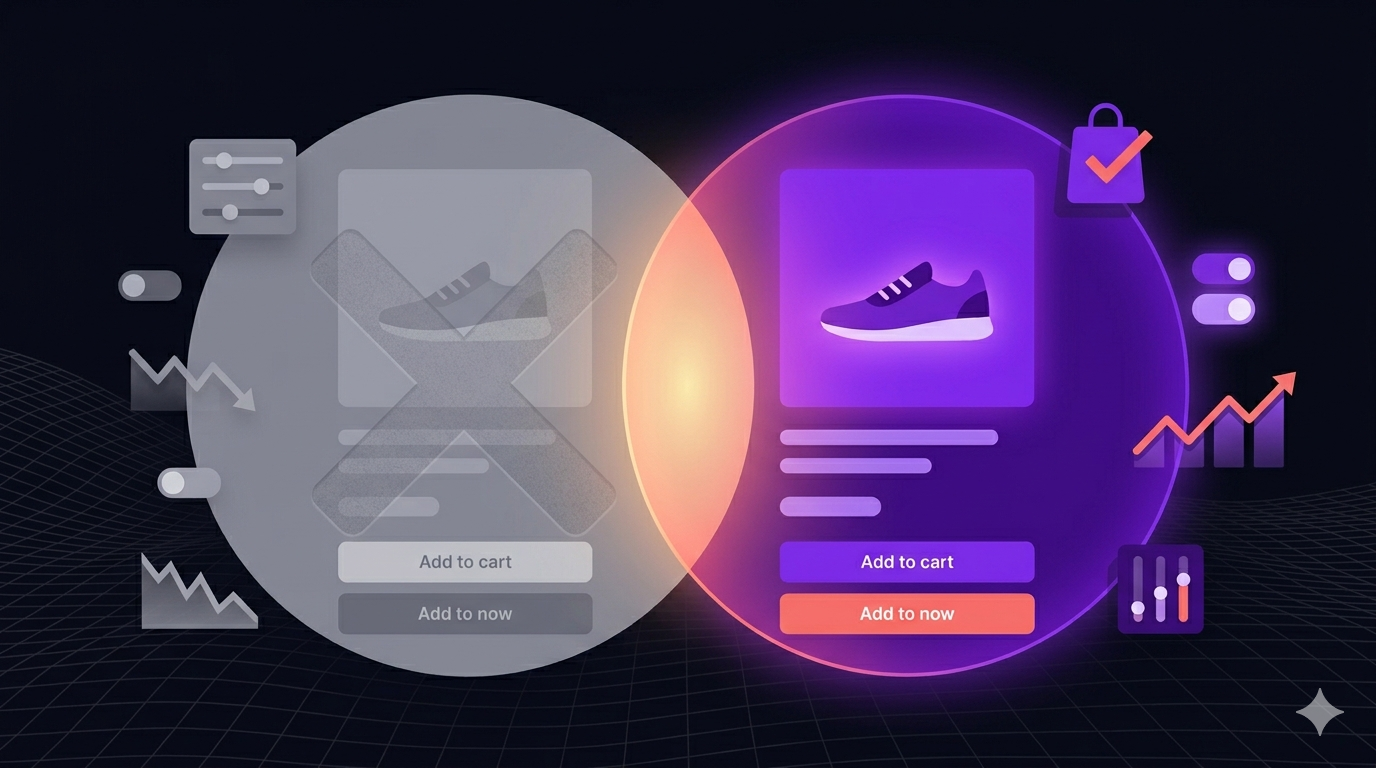
Shopify just launched free A/B testing. Here’s the catch.
In Winter 2026, Shopify rolled out a native feature called Rollouts — built-in Shopify A/B testing that lets merchants test theme variants without any third-party app. Free. No code. Right inside the dashboard.
For a lot of store owners, the first reaction is: “Does this mean I can cancel my A/B testing app?”
Short answer: probably not.
Rollouts is a real feature and it does work — for a narrow slice of use cases. But if you’re serious about conversion rate optimisation and revenue growth, you’ll hit its ceiling fast. This post breaks down exactly what Rollouts does, what it doesn’t do, and how to decide whether it’s enough for your store.
What Shopify Rollouts Actually Does
Let’s be fair. Rollouts is a genuinely useful feature for what it’s designed to do.
Shopify Rollouts lets you create two versions of your theme and split your traffic between them. You pick a percentage — say, 50/50 — and Shopify randomly serves each visitor one version. When you’re ready, you pick a winner and the other variant goes away.
That’s it. And for basic theme testing, that’s actually fine.
Here’s what Rollouts is good for:
- Testing theme redesigns. Launching a new theme but nervous about the change? Roll it out to 20% of traffic first and watch session behaviour.
- Homepage layout changes. Moved your hero banner? Changed your featured collection layout? Rollouts can help you validate the change before going all-in.
- Font, colour, and style changes. Visual polish experiments are exactly what Rollouts was built for.
- Low-stakes changes with limited traffic. If your store gets a few hundred visitors a month, free native tooling is often all you need.
Rollouts is clean, it’s built into Shopify, and it doesn’t require a developer. For what it does, it’s a reasonable tool.
The problem is what it doesn’t do.
What Shopify Rollouts Can’t Do
This is where the gaps start to matter — especially if you’re optimising for revenue and not just aesthetics.
1. No checkout testing
The checkout is where buyers turn into customers. It’s the highest-leverage page in your entire store. Rollouts cannot touch it. You cannot test button text, form layout, trust signals, upsells, or anything else on the Shopify checkout. That’s completely off-limits for native testing.
2. No pricing tests
Want to know if $49 converts better than $44? Or whether showing an annual plan upfront increases LTV? You can’t test it with Rollouts. Pricing experiments — one of the most powerful levers for SaaS stores and subscription-based Shopify businesses — are not supported.
3. No conversion goal tracking
Here’s the one that surprises most people. Rollouts doesn’t let you define what “winning” means. There’s no way to set a conversion goal — no “add to cart,” no “purchase,” no “email signup.” You’re flying blind. You can see that traffic was split, but you can’t see which variant actually made you more money.
4. No multi-variant testing
Rollouts is binary. Version A vs Version B. That’s it. You can’t run a test with three or four variants, and you can’t run multiple experiments simultaneously. If you want to test headline copy, hero image, and CTA colour at the same time — even as separate tests — Rollouts won’t support it cleanly.
5. No statistical reporting
There’s no significance calculator. No confidence intervals. No p-values. Rollouts shows you traffic splits but doesn’t tell you whether the difference you’re seeing is real or just noise. That’s a serious limitation if you want to make data-driven decisions instead of gut-feel ones.
6. No personalisation
You can’t target by device type, location, traffic source, or customer segment. Every visitor gets the same random split. Want to test a different experience for mobile users vs desktop? For returning customers vs new visitors? Not possible with Rollouts.
When Shopify Rollouts Is Enough
We want to be honest here: Rollouts is the right tool for some stores.
If your store is doing fewer than 1,000 sessions a month, you probably don’t have enough traffic to reach statistical significance in most A/B tests anyway. In that case, even a sophisticated testing platform won’t give you reliable results — and paying $20–$99/month for it doesn’t make sense yet. Use Rollouts to de-risk major theme changes and save your budget.
If you’re making a large-scale theme redesign and just want a safety net — not a rigorous experiment — Rollouts is a clean way to do a phased rollout.
And if all you’re testing is surface-level visual changes with no revenue goal attached, Rollouts handles that just fine.
But most merchants who are actively trying to grow? They need more.
When You Need a Dedicated A/B Testing Tool
If any of these sound like you, you’ve outgrown Rollouts.
You want to optimise revenue, not just aesthetics. Real CRO work happens on product pages, pricing pages, and the checkout. If you can’t test those, you’re leaving money on the table.
You’re making pricing decisions. Pricing is one of the most powerful and underused levers in ecommerce. A/B testing a 10% price change can have a bigger impact than any visual redesign — but you need actual conversion data to do it responsibly.
You need to know if your results are real. Without statistical significance reporting, you’re guessing. A dedicated A/B testing platform tells you when you have enough data to make a confident call — and when you don’t.
You’re running multiple tests at once. Growth teams don’t test one thing at a time. You need to run experiments on multiple pages, test multiple variants, and prioritise what to test next based on data — not by waiting for a single Rollouts test to wrap up.
You want to segment your audience. Mobile vs desktop. New visitors vs returning customers. Paid traffic vs organic. Personalising the experience based on who’s visiting is a core part of advanced CRO — and it’s completely unavailable in Rollouts.
You need an audit trail. Revenue-focused decisions need documentation. What did you test? What did you learn? What did you ship? A dedicated Shopify A/B testing app in 2026 keeps that record automatically.
ClickVariant vs Shopify Rollouts: A Quick Comparison
Here’s how Shopify Rollouts and ClickVariant stack up side by side.
| Feature | Shopify Rollouts | ClickVariant |
|---|---|---|
| Theme variant testing | Yes | Yes |
| Checkout testing | No | Yes |
| Pricing page testing | No | Yes |
| Conversion goal tracking | No | Yes |
| Statistical significance reporting | No | Yes |
| Multi-variant support | No | Yes |
| Audience segmentation | No | Yes |
| Visual element picker (no-code) | No | Yes |
| Lightweight JS SDK | N/A | Yes |
| Works outside Shopify | No | Yes |
| Price | Free | From $20/month |
Rollouts wins on price — it’s free. But for any test that connects to revenue, it lacks the tooling to know if what you’re doing is working.
ClickVariant’s Pro plan starts at $20/month and gives you conversion tracking, statistical reporting, multi-variant tests, and checkout testing. No developer required. The visual element picker lets you set up a test in minutes.
The Bottom Line
Shopify Rollouts is a welcome feature. It’s honest, it’s free, and it fills a gap for merchants who just need a basic safety net when making theme changes.
But Shopify A/B testing at the level that actually moves revenue requires more. Testing the checkout, validating pricing, understanding statistical significance, segmenting your audience — these are the experiments that separate stores that grow from stores that guess.
If you’ve hit the ceiling of what Rollouts can tell you, it’s time for a dedicated tool.
Start your free trial at clickvariant.com — no developer needed, set up your first test in under 10 minutes.