A/B Testing Without Developers: How to Run Experiments Without a Single Dev Ticket
Stop waiting for developer bandwidth to run A/B tests. Here's how growth teams and marketers run experiments independently — no code, no tickets, no waiting.
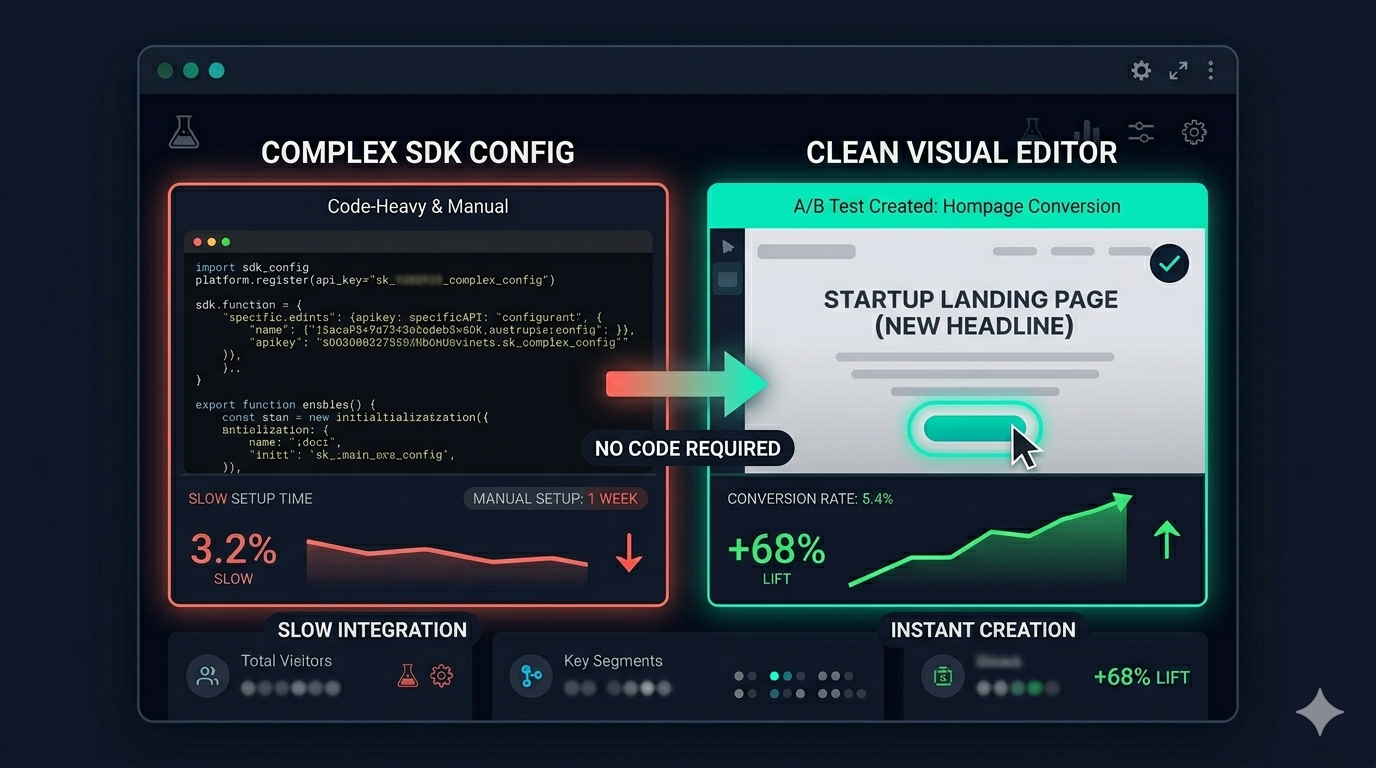
The most expensive A/B test is the one that never runs.
You have the hypothesis. You know what to change. But the developer is in sprint, the ticket has been sitting in backlog for three weeks, and the campaign you were optimising for ended last Tuesday.
This is the developer bottleneck problem — and it’s killing growth team effectiveness at companies of every size.
Here’s how to run A/B tests without opening a single developer ticket.
Why Growth Teams Can’t Wait for Developers
The economics are simple:
- Average sprint cycle: 2 weeks
- Developer time to implement a test change: 2–4 hours
- Developer prioritisation score for a “change a headline” ticket: low
- Time from hypothesis to test running via the dev queue: 3–6 weeks
At 3 weeks per test, you run 17 tests per year. Your competitor using a visual editor runs 2–3 tests per week. After one year, they have 150+ tests worth of learnings. You have 17.
Compound that across 3 years and the experimentation gap becomes a competitive moat.
What You Can Test Without a Developer (Most Things)
Modern visual A/B testing tools let growth teams and marketers change almost anything on a page without code. Here’s what’s genuinely developer-free:
Copy changes — Headlines, CTA button text, subheadings, product descriptions, pricing page feature names. Change any text in under 30 seconds.
Visual elements — Button colours, background colours, hero images, product photos, section layouts.
Element visibility — Hide the phone number field in your form. Remove the navigation from a landing page. Show or hide a promotional banner.
Layout reordering — Move your CTA above the fold. Put testimonials before the feature list. Swap the order of pricing tiers.
Redirect testing — Send 50% of traffic to an entirely different page version (e.g., a fully redesigned landing page vs. the current one).
Targeting — Show different content to mobile vs. desktop visitors, or to visitors from specific countries or referral sources.
All of this happens through a visual editor that works in your browser. No developer required.
What Still Requires a Developer
Being honest: some things still need code.
Initial script installation: Your developer needs to add ClickVariant’s snippet to your website’s <head> tag once. This takes 5–10 minutes and never needs to happen again. After that, your entire team runs experiments without touching code.
Server-side experiments: If you want to test content that’s rendered on the server before the page loads (like dynamic pricing, personalised product recommendations, or database-driven content), you need server-side testing, which requires developer implementation.
Complex multivariate tests: Testing 4+ independent variables simultaneously across different page sections typically requires a more technical setup.
Mobile apps: Testing changes inside iOS or Android apps requires SDK integration by your mobile team. Visual editors only work on websites.
For 80% of the tests that actually matter — headline, CTA, layout, trust signals — you don’t need a developer.
How to Set Up Developer-Free A/B Testing in 4 Steps
Step 1: Get the Snippet Installed (One-Time, 10 Minutes)
Ask your developer once to paste one line of JavaScript into your website’s <head> tag. This is the only time you’ll need their help.
<!-- ClickVariant snippet — add to <head> -->
<script>
  (function(c,v){c.__cv=c.__cv||{};c.__cv.apiKey='YOUR_KEY';
  var s=v.createElement('script');s.async=1;
  s.src='https://cdn.clickvariant.com/cv.js';
  v.head.appendChild(s);})(window,document);
</script>
After this: your growth team runs every experiment independently.
Step 2: Write Your Testing Backlog
Before launching your first test, write a list of 10 hypotheses. You’ll always have the next test ready.
Good format: “We believe [change] will [metric] because [reason based on user behaviour].”
Examples:
- “We believe changing our CTA from ‘Start Free Trial’ to ‘See It In Action’ will increase trial signups because ‘Start Free Trial’ implies commitment before the user understands the value.”
- “We believe removing the phone number field from our signup form will increase completions because it reduces perceived friction.”
- “We believe moving our testimonials above the fold will increase conversion because new visitors need social proof before they read features.”
Step 3: Launch Tests Independently
In ClickVariant:
- Create new experiment → enter page URL
- Visual editor opens your live page
- Click any element → make your change
- Set your conversion goal (button click, form submit, purchase)
- Launch — traffic splits automatically
No approval required. No ticket opened. No sprint slot needed.
Step 4: Build a Testing Cadence
The teams that get the most value from developer-free testing run experiments on a schedule, not ad hoc:
- Weekly: Launch one new experiment on your highest-traffic page
- Biweekly: Review results of running experiments, declare winners, implement
- Monthly: Review your testing backlog, add new hypotheses from user research
After 6 months of this rhythm, you’ll have 20+ experiments’ worth of learnings about what actually converts your specific audience.
The 5 Highest-Impact Tests You Can Run Without a Developer
If you’re not sure where to start, these consistently produce results:
1. Hero headline variant Change your homepage or primary landing page headline. Test benefit-first (“Get More Trial Signups in 30 Days”) vs. feature-first (“The A/B Testing Tool with No Developer Required”) vs. pain-first (“Tired of Waiting for Dev to Run Your Tests?”).
Time to set up: 5 minutes. Expected timeline to significance: 2–3 weeks on medium-traffic pages.
2. CTA button copy “Start Free Trial” vs. “Try It Free” vs. “See ClickVariant in Action” vs. “Start Testing Today.” The words on your primary CTA button affect more conversions than almost anything else.
3. Form field count Remove optional fields. Test 3 fields vs. 5 fields vs. 7 fields. Each additional required field reduces completion rates — the question is by how much for your specific audience.
4. Social proof placement Test testimonials above vs. below your CTA. Test showing the customer logo vs. hiding it. Test a specific named quote vs. aggregated review count.
5. Pricing page: feature list vs. use-case framing Test describing your Pro tier as a feature list (“heatmaps, export, funnel analysis”) vs. a use-case framing (“Share results with your team. Export to CSV. Run more advanced tests.”). Use cases often outperform feature lists for non-technical buyers.
Addressing the “But Our Site Is Complex” Objection
The most common reason growth teams don’t try visual testing: “Our site is custom-built / on a complex stack / our engineering team won’t allow it.”
Address each:
“Our site is custom-built”: ClickVariant works on any site that can load JavaScript in the head. That’s every website. React, Vue, Next.js, custom — all work.
“Our site is SSR / Next.js”: Visual testing still works for most changes. The snippet runs client-side and applies changes after hydration. For anything that needs server-side rendering, that’s a developer task — but that’s a small fraction of total experiments.
“Engineering won’t approve a third-party script”: The ClickVariant snippet is a single, lightweight (4KB) script loaded asynchronously. It doesn’t block page rendering. Many engineering teams approve it when shown the spec.
“We’re worried about performance”: ClickVariant’s script is async — it loads after your critical page content. Variant changes are applied before the browser paints, minimising flicker.
The Real ROI of Developer-Free Testing
Let’s do the maths on what developer-free testing is actually worth.
With developer queue:
- 3 weeks per test → 17 tests/year
- 30% test win rate → 5 winning tests per year
- Average conversion lift per winner: 8%
- Total compound lift: ~40% over the year
With visual editor:
- 1 test per week → 52 tests/year
- 30% win rate → 15 winning tests per year
- Average conversion lift per winner: 8%
- Total compound lift: ~120% over the year
That’s 3x more growth from A/B testing — from removing one bottleneck.
The developer’s time didn’t disappear. It got redirected to the things that actually need code: new features, performance, security, infrastructure.
Remove the bottleneck. Start developer-free testing at clickvariant.com