The Best Statsig Alternatives in 2026 (For Non-Technical Teams)
Statsig is powerful for engineering teams running feature flags and product experiments. But if you're a marketer or growth manager without SQL access, you need something built differently. Here's what to use instead.
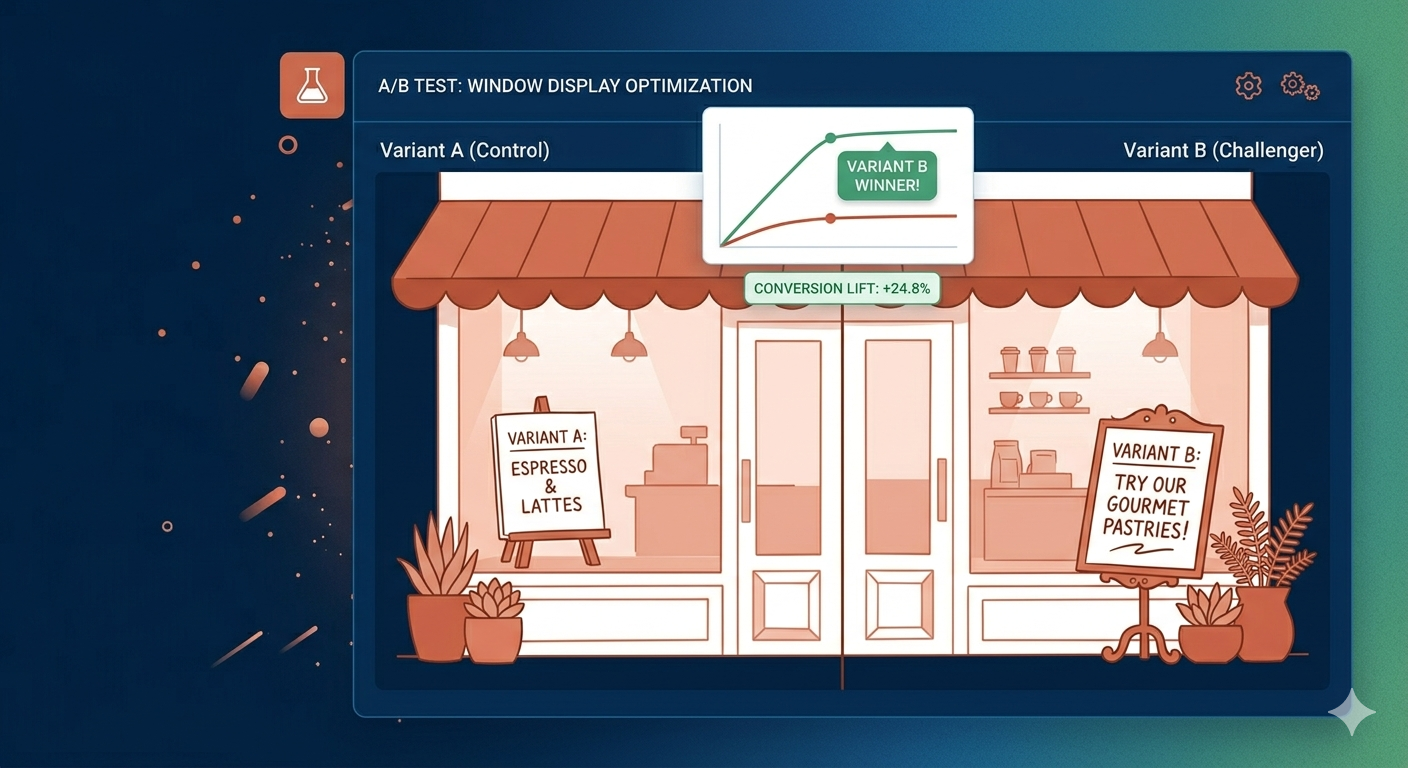
Statsig is a genuinely good product — for the audience it was built for. If you’re a product engineer running feature flags, warehouse-native experimentation, and custom event pipelines, Statsig is one of the best tools available.
But a significant portion of people searching for “Statsig alternative” aren’t engineers. They’re growth managers, marketing leads, and startup founders who got handed a Statsig account and found themselves staring at an SDK documentation page when they wanted to test a button colour.
This guide is for that group.
What Statsig Is Good At (And Who It’s Built For)
Before the comparison, it’s worth being clear about where Statsig excels:
Feature flagging: Statsig’s core product is feature flags — turning features on and off for specific user segments without code deployments. It’s deeply integrated into modern engineering workflows.
Product experimentation: Statsig’s CUPED variance reduction, sequential testing, and Bayesian analysis are genuinely sophisticated. Engineering and data science teams love it.
Warehouse-native analytics: Statsig can connect directly to your data warehouse (Snowflake, BigQuery, Databricks) and run experiments against your own event data. For companies with a mature data infrastructure, this is a major advantage.
Free tier: Statsig’s free tier is generous — up to 1 million events per month, unlimited feature flags, 3 A/B tests.
The common thread: Statsig assumes you have engineers and a data infrastructure. The setup requires SDK integration. Creating a test means writing code or working with someone who can.
Who Needs a Statsig Alternative
You’re in the right place if:
- You want to change a headline or button copy without filing a developer ticket
- Your team is growth/marketing rather than engineering
- You don’t have a data warehouse (or don’t want to connect one)
- You’re testing landing pages, not product features
- You want results in plain language, not p-values in a dashboard
The distinction matters: Statsig is a developer tool that does A/B testing. The alternatives below are A/B testing tools that marketers can use.
The Best Statsig Alternatives in 2026
ClickVariant — Best for SMBs and Non-Technical Teams
ClickVariant is designed for teams who want to run A/B tests on their website without touching code. The visual editor lets you modify any page element — headlines, CTAs, forms, images, layout — through a point-and-click interface.
Key differences from Statsig:
- No SDK required for website testing. Install one JS snippet, then run all tests from the dashboard.
- Visual editor — make changes without a developer
- Built-in statistical significance with clear thresholds (not raw p-values)
- Results designed for non-technical stakeholders
Pricing: Starting at $20/month. No enterprise contract required.
Best for: Startups, D2C ecommerce brands, SaaS marketing teams running website conversion tests.
Not a fit for: Engineering teams wanting feature flag infrastructure, teams needing warehouse-native experimentation.
Optimizely Web Experimentation — Best for Large Marketing Teams
Optimizely has the most mature visual editor in the market and deep integrations with most major CMSs and ecommerce platforms.
Key differences from Statsig:
- True WYSIWYG editor, no code required for basic tests
- Strong enterprise feature set (personalisation, multi-page funnels, audience segmentation)
- Native integrations with Salesforce, Marketo, CDPs
Pricing: Optimizely doesn’t publish pricing. Expect $1,500–$5,000/month at enterprise scale. There’s no SMB entry point.
Best for: Enterprise marketing teams with budget for a dedicated CRO platform and the team size to justify it.
Not a fit for: Startups or SMBs. Optimizely is significantly over-engineered and overpriced for most non-enterprise use cases.
VWO (Visual Website Optimizer) — Established Mid-Market Option
VWO was the go-to mid-market A/B testing tool for years before its recent acquisition by Everstone Capital. The product is full-featured — visual editor, heatmaps, session recordings, multivariate testing.
Key differences from Statsig:
- No-code visual editor for website tests
- Integrated with heatmaps and session replay (reduces need for separate tools like Hotjar)
- Established platform with strong documentation
Pricing: Starting around $199/month for SMB tiers, rising significantly for higher traffic volumes.
Context for 2026: The Wingify/Everstone acquisition has created uncertainty about VWO’s roadmap and pricing trajectory. Teams evaluating VWO should factor in that the product direction may shift toward enterprise over the next 12–18 months.
Best for: Mid-market marketing teams who want an all-in-one testing and heatmap platform.
AB Tasty — Best for Personalisation
AB Tasty recently merged with VWO (Wingify), making both products part of the same parent company. AB Tasty’s differentiator has traditionally been personalisation — showing different experiences to different user segments based on behaviour, geography, or data attributes.
Key differences from Statsig:
- Strong personalisation layer beyond basic A/B testing
- AI-driven content personalisation (Adaptive Audiences feature)
- Visual editor with campaign management
Pricing: Enterprise-tier only. Not transparent; requires sales contact.
Best for: Enterprise ecommerce and content teams running sophisticated personalisation programs.
Not a fit for: Teams primarily looking for simple A/B testing. AB Tasty’s strength is personalisation; if you just want to test headlines, you’re paying for features you won’t use.
GrowthBook — Best Free Open-Source Option
GrowthBook is an open-source experimentation platform that can be self-hosted for free. It covers both feature flagging (like Statsig) and visual website testing (unlike Statsig).
Key differences from Statsig:
- Open source: you own your data, no vendor lock-in
- Self-hosted option (free) or cloud-hosted ($0–$400/month)
- Supports both feature flag experiments and visual website tests
- Requires more setup than a hosted SaaS tool
Pricing: Free for self-hosted. Cloud plans from $0 (limited) to custom enterprise pricing.
Best for: Technical teams who want Statsig-like feature flag capabilities AND visual website testing, without the vendor dependency. The setup investment is higher than hosted tools.
Not a fit for: Non-technical teams or anyone who doesn’t want to manage infrastructure.
Feature Comparison at a Glance
| Feature | Statsig | ClickVariant | VWO | Optimizely | GrowthBook |
|---|---|---|---|---|---|
| Visual editor (no code) | ❌ | ✅ | ✅ | ✅ | Limited |
| Developer SDK | ✅ | Optional | Optional | Optional | ✅ |
| Feature flags | ✅ | ❌ | Limited | ✅ | ✅ |
| Warehouse-native | ✅ | ❌ | ❌ | Partial | ✅ |
| SMB pricing available | ✅ (free tier) | ✅ | ✅ | ❌ | ✅ |
| Non-technical team fit | ❌ | ✅ | ✅ | ✅ | Partial |
The Right Framework for Choosing
Ask two questions:
1. Who runs the tests?
If the answer is engineers or data scientists, Statsig (or GrowthBook if you want open-source) is a strong choice. The tooling is sophisticated and the workflow fits how those teams work.
If the answer is marketers, growth managers, or founders — you need a visual editor, plain-language results, and a tool that doesn’t require an engineering ticket to change a headline.
2. What are you testing?
If you’re testing product features (turning a new checkout flow on/off, gradually rolling out a redesigned onboarding), Statsig’s feature flag infrastructure is purpose-built for that.
If you’re testing marketing pages (headline, CTA, layout, offer), you want a CRO tool with a visual editor.
Most startups need both at some point. But they need the visual website testing tool first — because that’s where your public-facing conversion lives, and it’s where you’ll see results fastest.
Moving From Statsig
If you’re currently on Statsig and looking to move, the main consideration is data continuity. Export your historical experiment results before switching — Statsig’s data export is straightforward (CSV export from the dashboard or via API).
For any experiments currently running, either call them before migrating (if they’ve reached 95% confidence) or accept that you’ll restart them in the new tool. Don’t migrate mid-test.
The visual editor tools on this list don’t require data migration from Statsig — they install independently and track their own events. There’s no integration to configure.
The full transition can typically be completed in under a day for a standard website testing setup.